
Is Your Website Quietly Hurting Your Business? A Guide to a Stress-Free Redesign
Your website is your digital front door, especially here in the Triad. If it feels more like a barrier than an invitation, you’re not alone. Many business owners feel their site is underperforming but hesitate to start a redesign, worried about the cost, time, and risk.
This guide offers a practical roadmap so you can move through the website redesign process with more clarity and less stress. Web design and redesign involves creating or updating a website to better serve business goals, improve user experience, and support customer acquisition.
A successful redesign is built on a clear strategy, a mobile-first approach, preserved SEO value, and content that speaks directly to your audience. The goal is a measurable improvement in conversions and lead quality.
Who This Is For
This guide is for business owners in Winston-Salem and the Triad who feel their website is outdated, not generating enough leads, or no longer represents their brand. It provides information on where to begin the redesign process.
Common Website Problems: A Quick Symptom Check
- The website’s appearance does not align with your professional standards.
- Your site is hard to use on a smartphone.
- You get traffic but very few calls or form submissions.
- Customers can’t find information on your site.
- Your site looks dated compared to local competitors.
- It no longer reflects your brand’s quality or services.
Website Redesign vs. a Simple Refresh
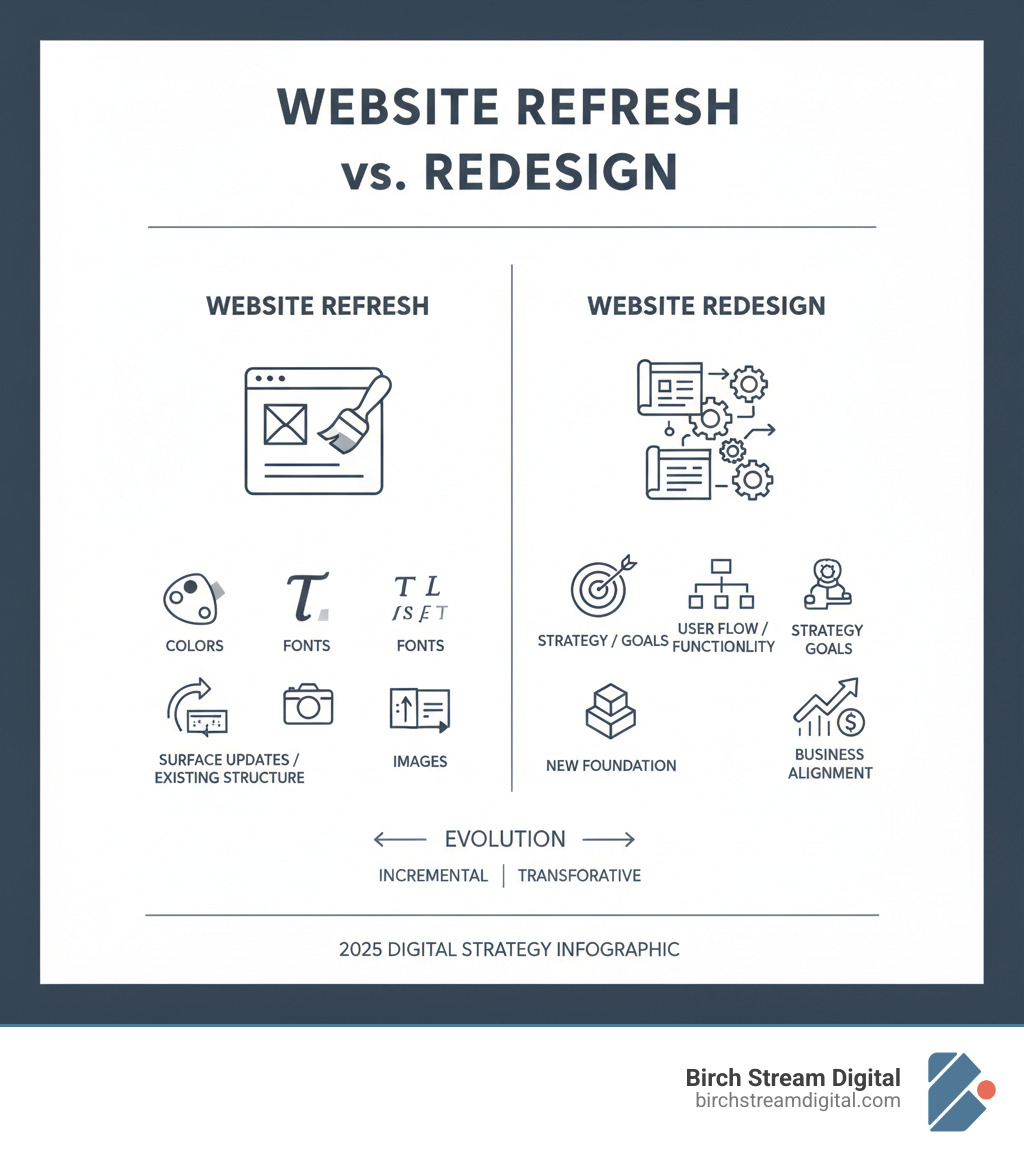
A Website Refresh is like a new coat of paint. It updates colors, fonts, and images on your existing site structure.
A Website Redesign is a strategic overhaul. It rethinks the site’s foundation, user flow, and functionality to better meet business goals. A true redesign addresses both how your site looks and how it works for your business, with a major focus on improving the user’s experience.
Web design and redesign further reading:
A Practical Framework for Successful Web Design and Redesign
A full website overhaul can feel overwhelming. A clear, step-by-step process turns the redesign into a manageable project instead of a disruptive one. This framework breaks the work into phases so you can avoid common pitfalls like broken site elements or unexpected drops in search rankings.
Phase 1: The Discovery and Strategy Blueprint

Before you begin design work, you need a solid plan. A clear strategy is the foundation of any successful Professional Website Redesign. This phase is intended to ensure the redesign addresses specific business problems.
Goal Setting: Define Your “Why”
Without clear, measurable goals, it is difficult to know whether your new site is actually working. For example, a goal could be to ‘increase qualified leads by 20% within six months’ rather than a general goal to ‘get more leads.’
Your action step: Write down two or three SMART goals (Specific, Measurable, Achievable, Relevant, Time-bound) for your new website.
User Understanding: Listen to Your Audience
A website should be designed around real user needs, not internal assumptions. Reviewing customer support tickets and emails can provide insight into what questions they ask repeatedly.
Your action step: Review customer feedback and list the five most common questions or pain points. These become priorities for your new site.
Data Analysis: Audit Your Current Website
Your current website data provides valuable insights. An audit examines traffic, bounce rates, and conversions to identify successful elements and areas for improvement.
Your action step: Identify your top three pages and analyze why they work. Then find three pages with high exit rates to see where users get stuck.
Competitor Review: Learn from Others
Reviewing competitors’ websites in the Triad can reveal opportunities to differentiate your business and communicate your unique value more clearly.
Your action step: Visit competitor sites. What do you like? What frustrates you? What do they emphasize that you don’t?
Phase 2: The Core Elements of Modern Web Design and Redesign
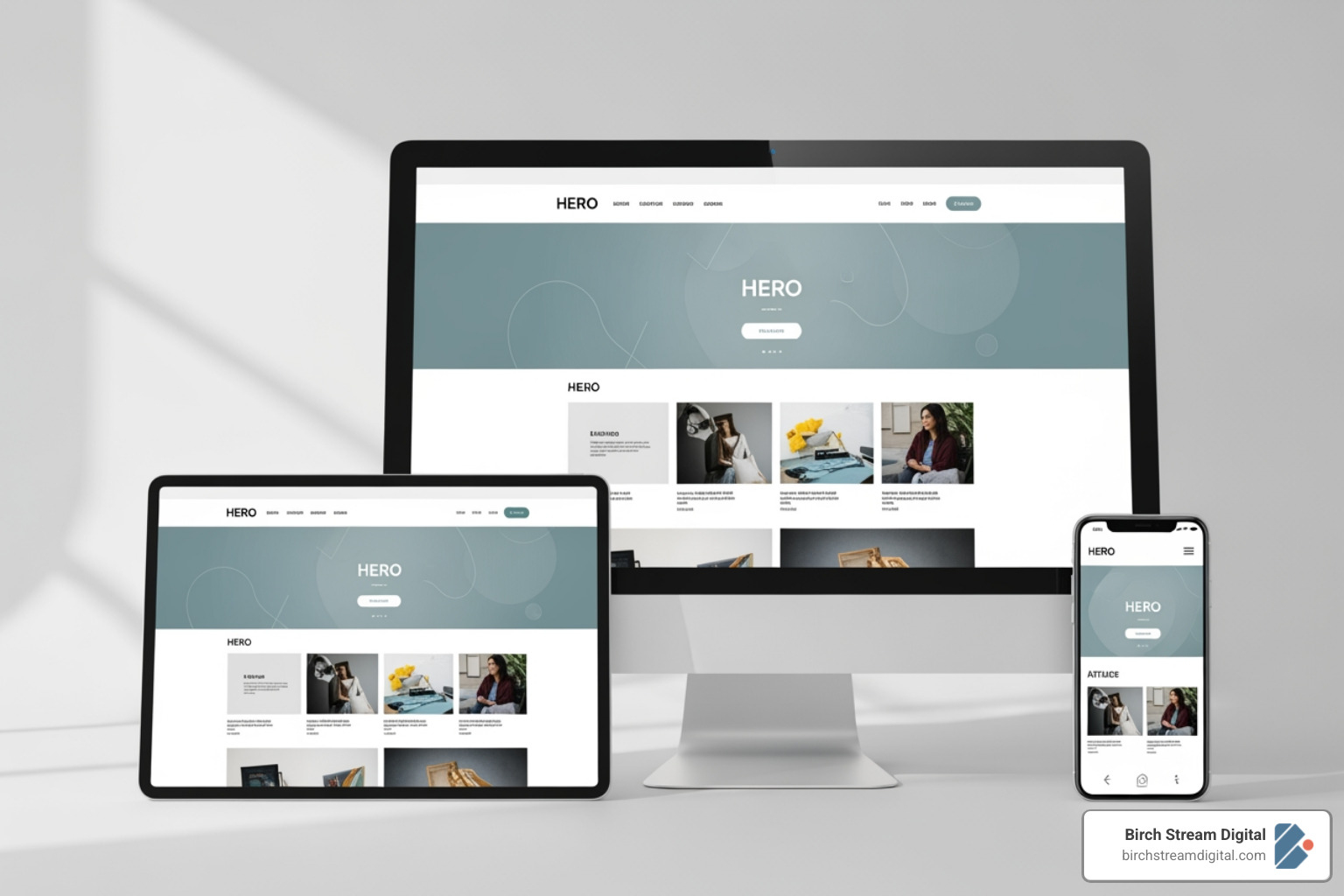
An effective website should be easy to use, build trust, and be functional for every visitor. With over 60% of internet traffic originating from mobile devices, a site that functions well on a phone is essential.
Mobile-First Design: Your Pocket-Sized Priority
Many potential customers will view your site on their phone first. A poor mobile experience can quickly lead to a negative impression of your business. Designing for the phone first encourages clarity and prioritization.
Your action step: Visit your current site on your phone. Can you easily read the text and tap the buttons? If not, this should be a high priority for the redesign.
User Experience (UX): Making it Effortless
A user’s first impression is heavily influenced by your site’s design and functionality. Good UX means creating intuitive navigation and clear pathways to important information.
Your action step: Trace a typical customer journey on your site, like from the homepage to the contact form. Note any confusing or unnecessary steps.
Clear Navigation: Guiding Your Visitors
If people can’t find what they’re looking for quickly, they may leave. Your menu should use plain language, and your most important pages should be easily accessible.
Your action step: Ask someone unfamiliar with your site to find a specific piece of information. Watch where they get stuck.
Fast Loading Speed: Patience is Not a Virtue Online
Slow websites can negatively impact conversions. Each additional second of load time can increase the bounce rate. Speed can be optimized by compressing images and using clean code.
Your action step: Test your current site with Google PageSpeed Insights. It will show you what’s slowing it down and how to fix it.
Accessibility: Welcoming Everyone
An accessible website works for everyone, including people with disabilities. This means using high-contrast colors and adding descriptive alt text to images, which also helps your SEO.
Your action step: Check that every image on your site has descriptive alt text that explains what the image shows.
Phase 3: Content, SEO, and Technical Safeguards

A poorly executed launch can negatively affect search engine rankings. This phase aims to preserve existing SEO value while making improvements. A proper redirect strategy is critical, as detailed in Google’s help page on redirects.
Content Strategy: Words That Work
Content is a primary consideration in a redesign. It is helpful to audit existing content, then rewrite and reorganize it to address your customers’ needs and answer their questions.
Your action step: Read your current website copy. Is it focused on “we” or “you”? Rewrite one key page to be more customer-focused.
SEO Preservation: Protecting Your Visibility
A web design and redesign can negatively impact search rankings if SEO is not planned for. This includes integrating relevant keywords, using alt text for images, and writing descriptive meta titles.
Your action step: List your top five keywords and ensure they are naturally integrated into your new site’s content, headlines, and page titles.
301 Redirects: Guiding Traffic Smoothly
If page URLs change, it is necessary to set up 301 redirects. Without them, users and search engines may encounter ‘404 Page Not Found’ errors, and search rankings can be negatively affected.
Your action step: If URLs are changing, create a spreadsheet mapping every old URL to its new destination. This is a critical step.
Technical Testing: Ensuring a Smooth Launch
Before launch, thoroughly test the site across different devices and browsers. Verify that all tracking codes are installed, forms work, and every link is clickable.
Your action step: Recruit several people to test your new site. Give them specific tasks and ask them to report anything that feels broken or confusing.
Measuring Success and Moving Forward
A redesign project continues after the site goes live. This final phase involves confirming the new site is performing as expected and planning for its ongoing performance, with the goal of the investment providing a return for your Winston-Salem business.
How to Measure the Success of Your Website Redesign
Success is not just about aesthetics; it is measured with data. This involves revisiting the SMART goals from Phase 1 and tracking the relevant Key Performance Indicators (KPIs) in tools like Google Analytics.
Metrics to evaluate include:
- Key Metrics: Compare post-launch analytics against the benchmarks you set before the redesign. The goal is to meet or exceed the goals set for traffic, bounce rate, or time on page.
- Conversion Rates: It is important to track conversions such as form submissions, phone calls, and purchases. Without conversion tracking, it is difficult to assess the site’s effectiveness.
- Lead Quality: It’s not just about the quantity of leads, but their quality. The goal is to determine if the inquiries are a better fit for your business than those received previously.
- User Feedback: Analytics show what users do, but not always why. Feedback can be gathered through surveys and interviews to understand user satisfaction.
Common (and Costly) Redesign Mistakes to Avoid
A common mistake is beginning visual design without a strategy, which can result in a site that is aesthetically pleasing but does not meet business objectives. Other pitfalls include neglecting SEO and not having a content plan.
- The “Design-First” Trap: Starting with mockups before content can lead to less effective copy. Solution: Involve content strategy from the beginning. The design should support the message.
- Ignoring User Research: Making decisions based on assumptions may result in a site that does not meet your audience’s needs. Solution: Use user research and analytics to understand what your customers need.
- Having No Content Plan: Content is often an afterthought, resulting in rushed, generic text. Solution: Develop a content strategy early. Audit existing content and plan for new, audience-focused copy.
- Forgetting SEO: Neglecting SEO can negatively impact your search rankings. Solution: Prioritize SEO from the start with a 301 redirect map, keyword integration, and technical best practices.
Your Next Steps for a Better Website
A website is a dynamic part of a business, not a one-time project. A successful redesign is an important step, creating a foundation for ongoing improvement. To remain relevant and effective, websites need regular attention.
Continuous Improvement: View your website as an evolving asset. After launch, continue to monitor performance, gather user feedback, and make small, iterative improvements. This approach helps your site remain optimized and aligned with changing user needs.
Strategic Partnership: Managing a website can be complex. Partnering with a local agency that understands the Winston-Salem and Triad market can provide ongoing support and strategic guidance.
Our agency provides Winston Salem Website Design services. We focus on creating professional websites designed to meet business objectives.
You can learn more by exploring our website design services. We’re here to help you steer the journey of web design and redesign with confidence.